Why VIOSO?
I learned about VIOSO a long time ago. Fropm the time when AV Stumpfl included the VIOSO camera based calibration into their WINGS mutimedia programming system

VIOSO was for me heaven send.
I always loved multi-projector panorama projection. Horizontal or vertical. Not sure if you can call vertical a panorama though.
Right back to the 35mm slide projection when we used 6 or more projectors. Always 2 stacked for each image field Left – Center – Right – ++

The edge blending was achieved with edge fading filmstrips overlaying the ‘splitt’ image, which would ultimately made up the panoramas. These overlay film strips had a grey scale (wedge style) at one side and the middle one on both sides, about 20 or 25% in from the edge, getting darker toward the edge of the image frame.
By projecting both, they would cancel each other out and thus create a blended image, a seamless panorama.
Lining the projectors up was critical to make this work. Possibly only few specialists are still around who did this type of projection. But the ones who are left, know the painstaking precision with which the alignment had to be done.

Then came digital and the slide projectors were replaced with digital projectors. Actually there was also a period of three gun video projectors, but lets skip that.
So we got LCD projectors and DLP projectors. Over a decade they progressed from low resolution to VGA, XGA, WUXGA and 4K. In fact now 8K is coming along.
Of course, as higher the resolution gets, as bigger I can project with a single projector. Right?
In theory yes. But if you project bigger and you spread the pixels the quality suffers, unless you also increase your viewing distance.
So lets use several projectors, butt them together and have a panorama.
Right? Wrong.

Yes you have a panorama, but with vertical lines in between each image field. Not so good, even if we are used to them from Videowalls.
But if we really want an immersive, another one of these catchwords, which has entered the AV discussion, projection, we need to have all of this seamless. If we then want really go big, really big, we need projectors horizontal and vertical, all overlapping by 20%. Lining this up manually and the nightmare starts.
While alignment or calibration may be easy on a flat screen with enough patience and skills, it can be a drama on curved screens, circular ones or conical designs and domes.
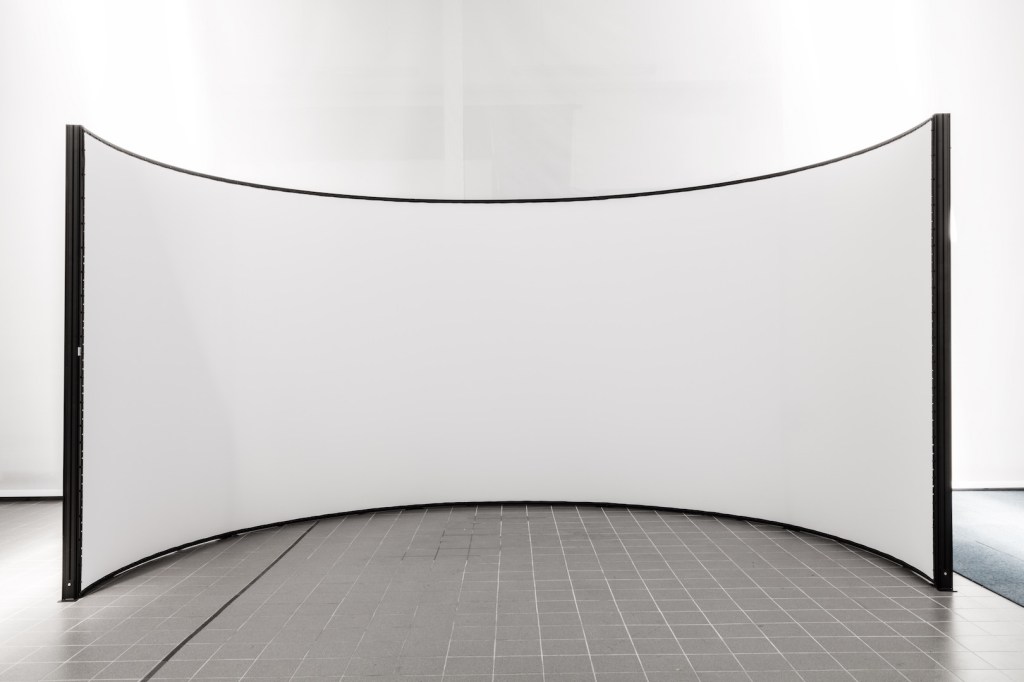
Here comes VIOSO into play.
Founded by Emanuel Zueger and Benjamin Fritch, VIOSO is the solution to make all this easier.
They developed a camera supported calibration systems, which does even a most complexes alignment job in minutes.
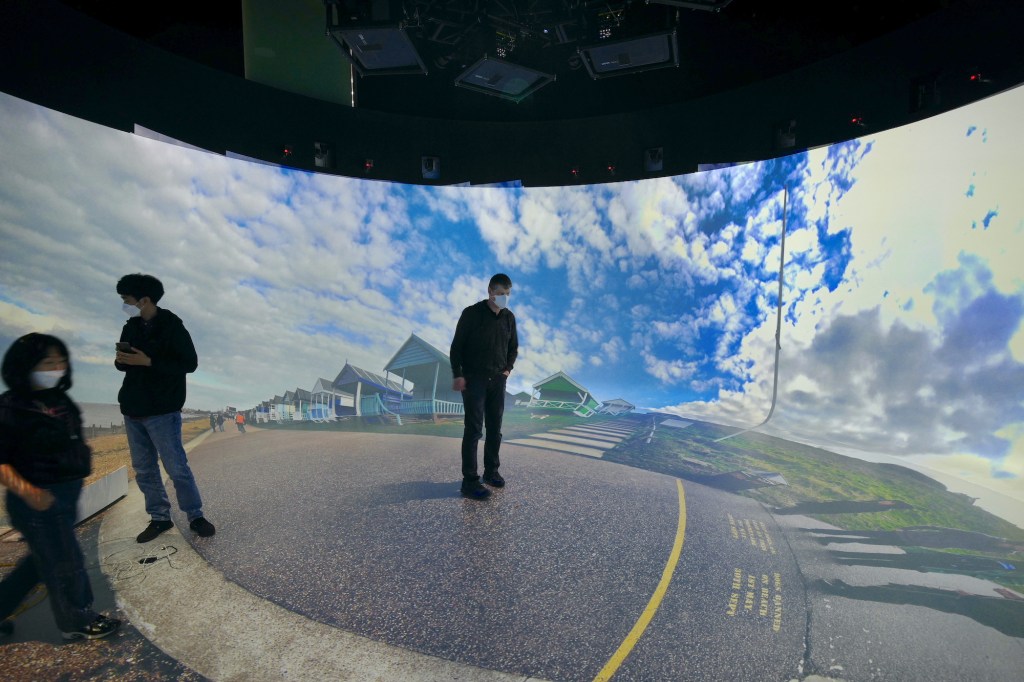
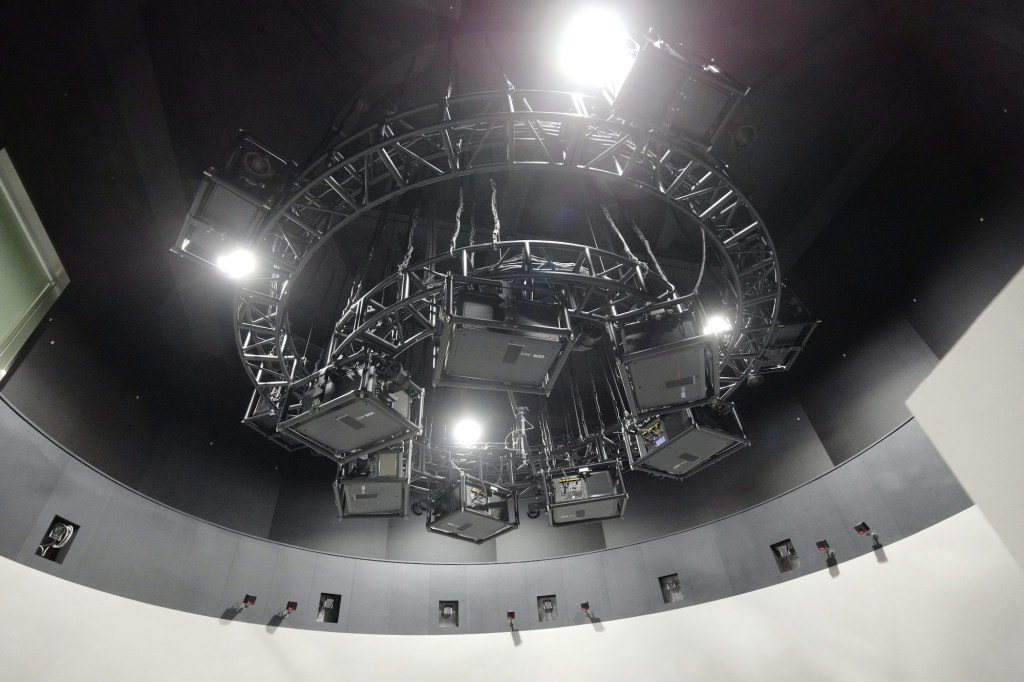
Early in 2022 we worked on a project in Korea, blending and warping 13 4K projectors onto a curved wall blending into a floor projection. 360 degree projection. A challenging set-up.
The VIOSO system, with the help of just one!! fisheye camera, did the blending and warping calculation is about 60 minutes
So, how does it work and why is this something for you?
Lets take your typical panorama projection. You have your video or multi-media content.
Created on systems like Watchout, Wings, Pandoras Box, Vertex, Pixera or a video scaled for panorama, or…. .
You have three or more projectors and since you have little space, you selected short throw projectors.
To get a good blending we work with a min 20% overlap.
For the projection you just got projectors from the normal ‘commercial’ range, like Optoma, Epson, Panasonic, Fujifilm, etc.., without build-in blending, lets say.
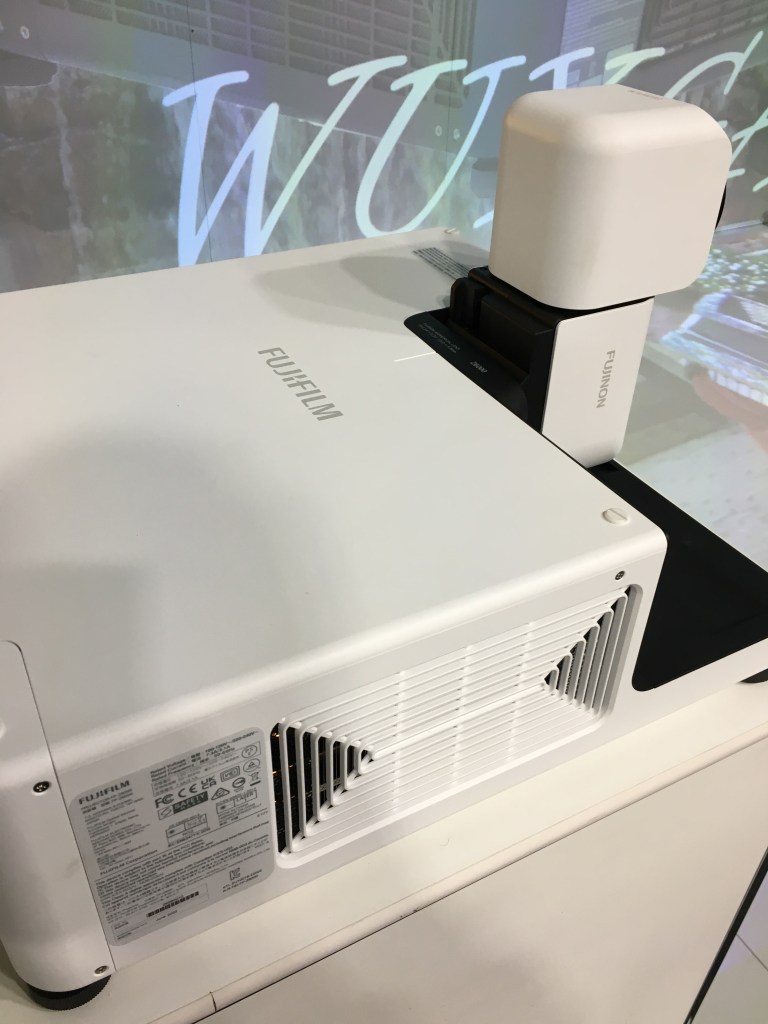
You set-them up on the screen. Flat or curved, so that they seem to give a good panorama.
You start the VIOSO Exaplayer, if you use video, or VIOSO 6, if you use another playback system.
You further connect a camera to the VIOSO system. Nothing fancy is needed, unless you have a strong curve or circular projection. We will cover this in a separate article.
So you have a webcam. Something like a Logiteck 920, 930. You start the VIOSO system. Assuming you had a look at the manual or one of the Youtube videos you already know how this goes.

Once you start the calibration, you can step back, but don’t go away. The system will now project a set of lines and circular pattern. These are recorded by the camera into the system. It will then show you on the monitor how good the image of your first projector will be. Here is a point to make some fine tuning is required. But this is easy. No university degree needed.
Once satisfied the system will ask you if you want to continue without interaction.
If all the projectors are the same, the projection distance is identical and all is the same, you just tick the box and go and have a coffee.
Unless you run 10 or more projectors, the time the system needs to give you a perfect alignment, a ‘compound’ generation will take place in a few minutes.
Once you are back, you have some perfectly aligned and blended projectors. Now you can make some final adjustment, drag the image corners perfectly into the screen corners and adjust any curvatures, etc.. A process which will take seconds or worse minutes.
Once you are finished, you save the calibration.
The system will ask you if you want to auto-load the calibration every time you start the system and if this is a permanent install, you say yes.
That’s it. Now you are ready to go.
If you look onto your computer screen you see also a re-calibration button.
We know that projectors may get knocked around by a cleaner for example or some thermal shift. If you keep your camera in place and mounted separately from the projector, you can just hit the re-calibration button and the image will be re-aligned in next to no time, ready for the next screening. If linked to a room control system, anyone can just push the recal button. Easy.
So what do you need?
You can make it easy and buy a VIOSO Anystation nano or micro and all is installed, VIOSO EXAPLAY or VIOSO 6. If you want to use a multimedia program you buy that separately. For EXAPLAY you only need the video.
Alternatively you buy a WINDOWS based computer and the VIOSO 6 or EXAPLAY software. You buy it through the local distributor, because they will help you in case of challenges. In addition VIOSO provides teamviewer support and three month of support is included in the purchase price.
But since we have a time difference to Europe, so better talk to the local distributor, for Oceania, South East Asia and Korea it is ITI-Image Group.
Alternatively you talk to your local AV provider and let them do the talking to us.
What about a non-PC solution?
Yes, we also have that, using the VNS Geobox.
We are aware that in some settings, hardware based systems are preferred over PC based systems.
But we can ensure you, that, if you keep your PC system clean and only connect to the internet when needed, it will be as reliable as any hardware based system.
So there is no need to shy away from the impact multi-projector set-up’s can have on your audience.
Discover more from ITI-Image Group, Sydney
Subscribe to get the latest posts sent to your email.
